
Byte-stable
Repeated runs are byte-identical when the input bytes, options, Kurviq version, and platform are unchanged. Cache and review generated assets with confidence.
Deterministic SVG for Node.js
Kurviq gives coding agents the tools to trace, compose, animate and verify SVG, so what they ship actually works.
Animated, interactive and traced. Browse the examples, or view the source.
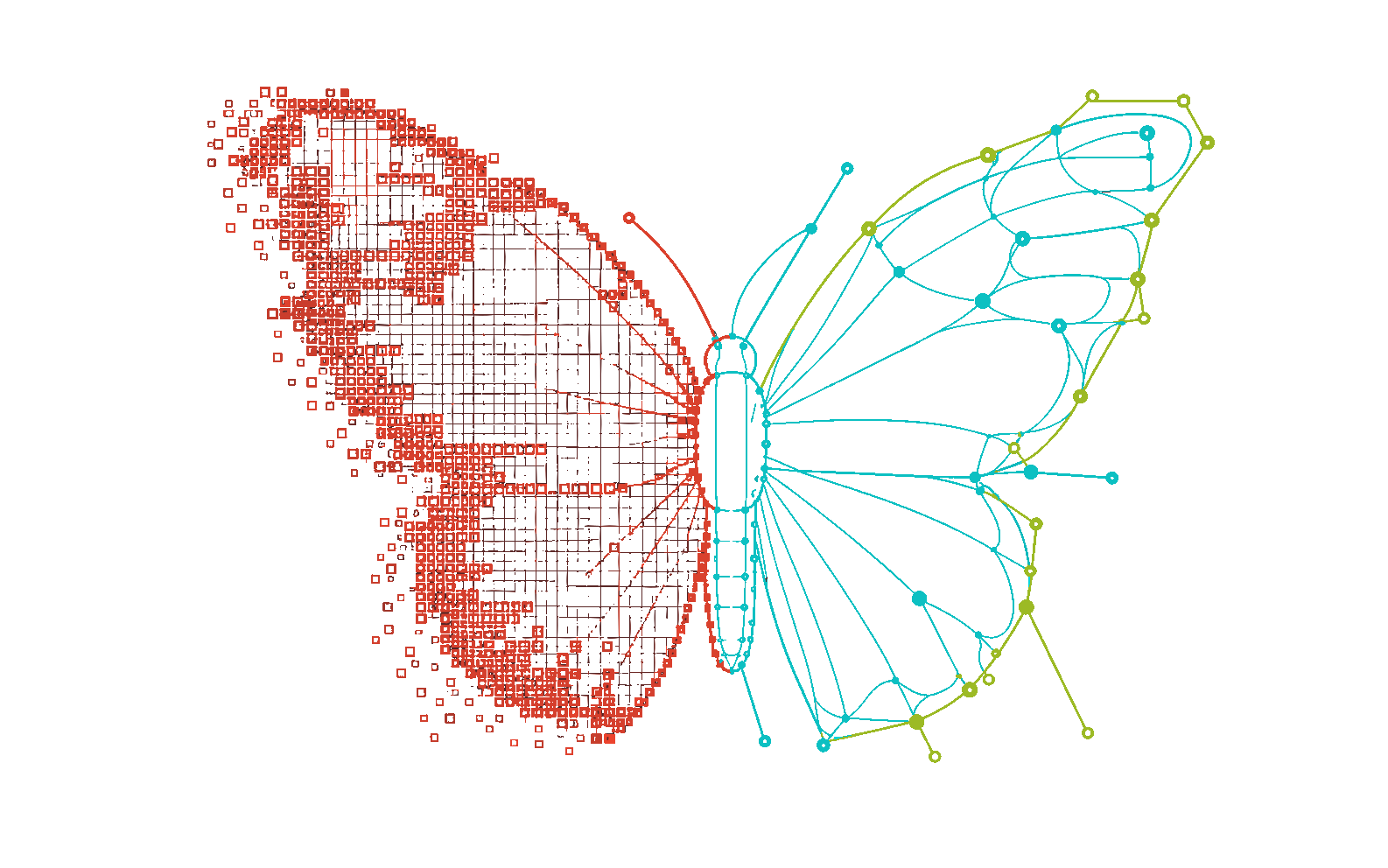
npx kurviq --input in.png --output out.svg --autoLive in your browser
Drop in a PNG or JPEG, choose a recipe, and Kurviq returns an SVG without uploading your image anywhere.
SVG outputYour traced result will appear here.
Select an image to begin.
Images never leave your browser.
Built for the agents you already use
 Claude Code
  Cursor
  OpenCode
  Codex
Codex Each mark above is the official logo, traced by Kurviq and checked against the original: mean error under 2 of 255, with fewer than 1.6% of pixels differing by a noticeable amount. Logos are the property of their respective owners.
Why Kurviq
Repeatable, scriptable, cacheable. The same bytes on every run, and a way to prove it rather than hope.
Repeated runs are byte-identical when the input bytes, options, Kurviq version, and platform are unchanged. Cache and review generated assets with confidence.
The vector engine ships with the package. There is no separate native executable to install and no runtime dependency tree to pull into production.

Use the command line in asset scripts, or call the synchronous CommonJS API with a Buffer or Uint8Array. The same options apply in both surfaces.
Capabilities
Start with defaults and add one deliberate correction for the source you have, or skip tracing entirely and compose the SVG yourself.
kurviq/author 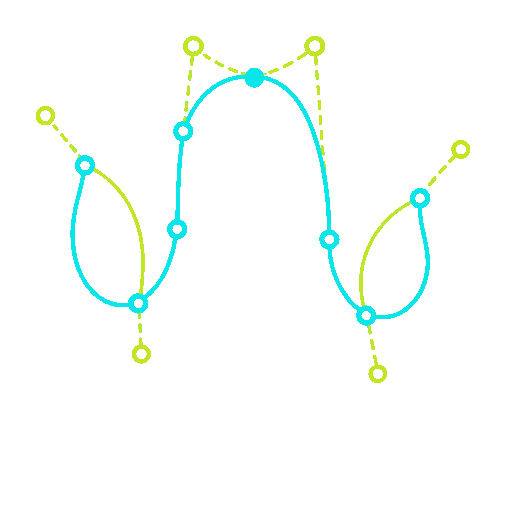
Build gradients, patterns, real strokes and markers, clips, masks, filters, interaction states and animation deterministically, then verify each one by rendering it. Zero dependencies.
--auto --explain 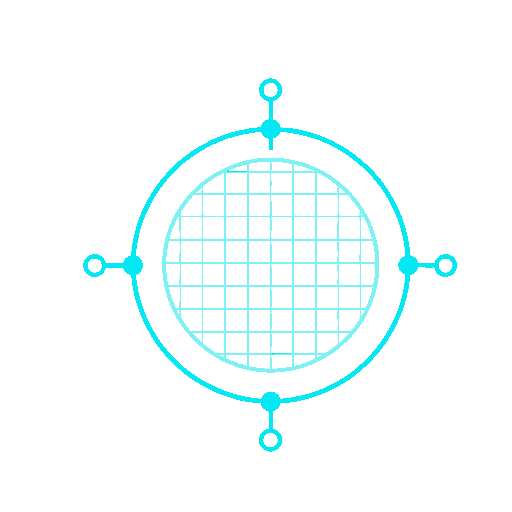
--auto traces once, classifies the source, and re-traces with a matching recipe. --explain prints the decision and the exact flags, and those flags reproduce the run byte for byte, so you can pin them and drop --auto.
--consolidate · --snap A default trace of a detailed source can carry tens of thousands of near-identical colors. --consolidate merges them perceptually; --snap emits real circles and rects; --structure adds stable ids and classes.
--theme css-vars 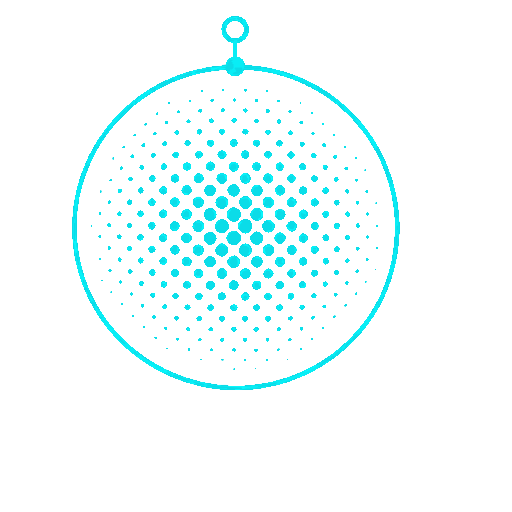
The recovered palette becomes CSS custom properties, so one traced asset serves light and dark. The rules sit behind an opt-in class, so renderers without custom-property support are unaffected.
--animate reveal A CSS-only entrance animation, staggered per group, that respects prefers-reduced-motion and always renders the correct static frame in tools that do not animate.
invisible text layer Text lines are located from the traced geometry, then an invisible text layer is laid over the artwork for selection, search and screen readers. The visible art never changes, so a bad reading cannot corrupt the image. Recognition is a network call, not part of the core.
--upscale · --max-size --upscale 2 gives small labels and fine edges more working pixels; --max-size 720 caps oversized renders before they bloat the SVG. Both preserve the display size.
--remove-background auto 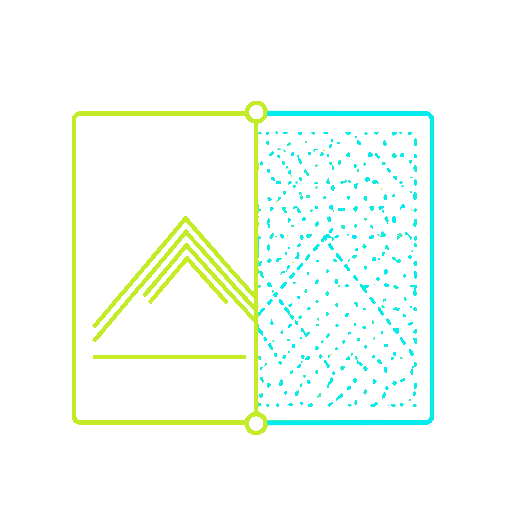
Border-connected removal handles uniform cells and attached neutral shadows, with channel protection for narrow gaps and near-white artwork.
--alpha-mode auto 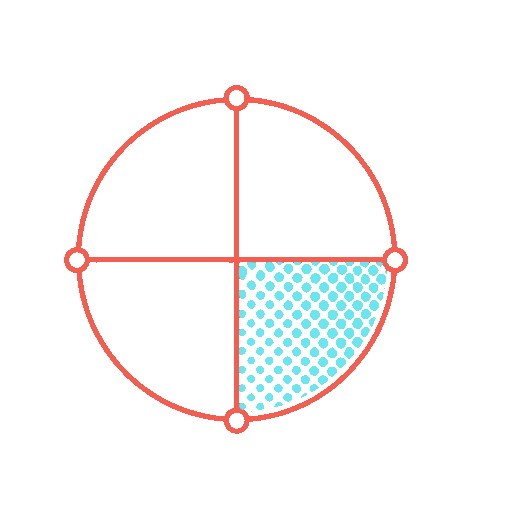
Auto mode detects meaningful partial transparency, resizes alpha-aware, and thresholds the result without letting hidden RGB bleed into the trace.
--sharpen 
Recover a compact palette from blurry icons before vectorization. The bare flag uses at most 12 colors and stays deterministic.
--mode spline A tested spline recipe keeps rounded icon contours smooth without over-segmenting every anti-aliased edge.
--gradient_step 8 Smaller gradient steps and full color precision retain soft shading when visual fidelity matters more than the smallest possible SVG.
Where it fits
All three are reasonable choices. Here is where each one wins, and where Kurviq does.
Different job.
potrace traces one colour, and it is very good at that. Reach for it on black-and-white line art. Kurviq is built for colour raster art, where the work is clustering and curve fitting, not thresholding.
Kurviq is a patched vtracer.
Same lineage, compiled to Wasm so there is no binary to install. Against upstream 0.6.12 on our 10-image corpus: 2.15x faster, DSSIM halved, and 61% smaller output.
A dialog, not a step.
Hard to beat with a human in the loop and an eye on the preview. It cannot run in CI, and it does not promise you the same bytes twice.
A tester traced 72 production assets and kept a trace only where it scored ≥ 0.94 with no size increase. 27 of 72 qualified, replacing 507 KB of WebP with 403 KB of SVG. Flat illustration scored 0.98 to 0.99 and came out around a third of the WebP size. Photographs, pixel art and dense diagrams were rejected.
So more than half of a mixed library should not be traced, and the only way to know which half is to render and compare. That is what the toolbelt is for.
Real outputs
Real Kurviq traces, from a small outline icon to a full diagram. File sizes are the source files shown. The examples page also has pieces built with no raster at all.
Illustrations traced by Kurviq itself.
See all 20 examples →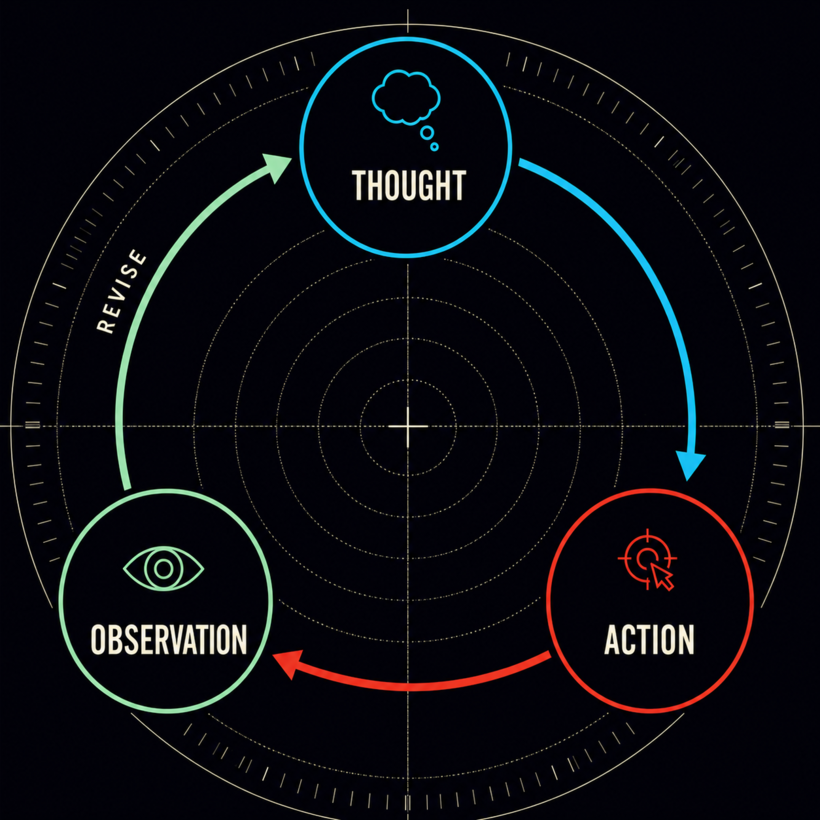
 PNG SVG
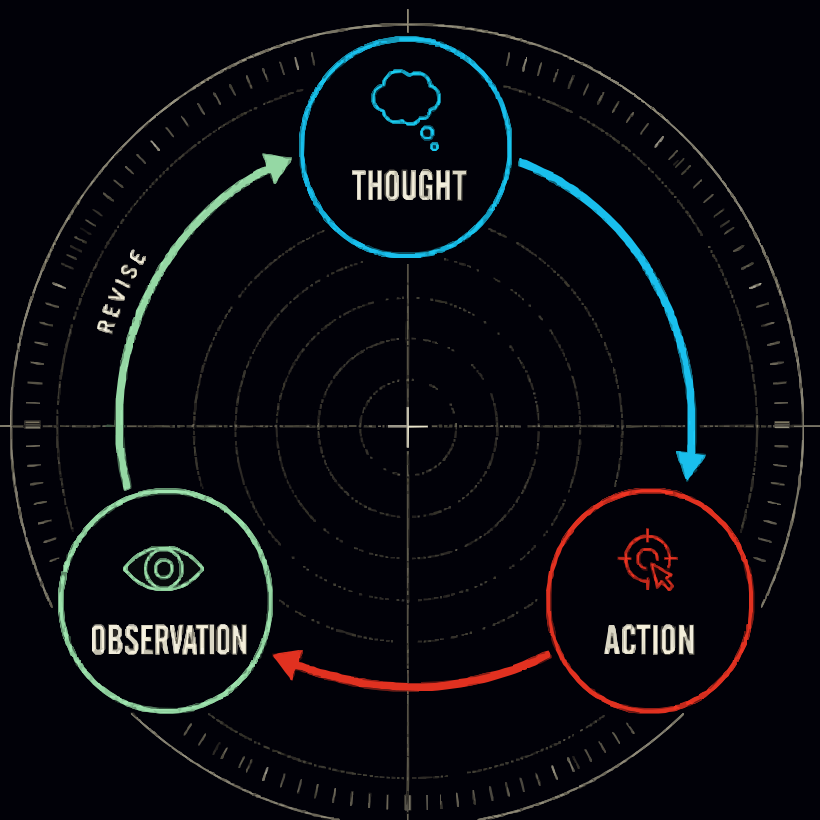
 A dark neon diagram: --upscale 2 keeps the dashed radar rings and tick marks that a plain trace loses, then --consolidate 48 holds the file to 156 KB.
 PNG SVG
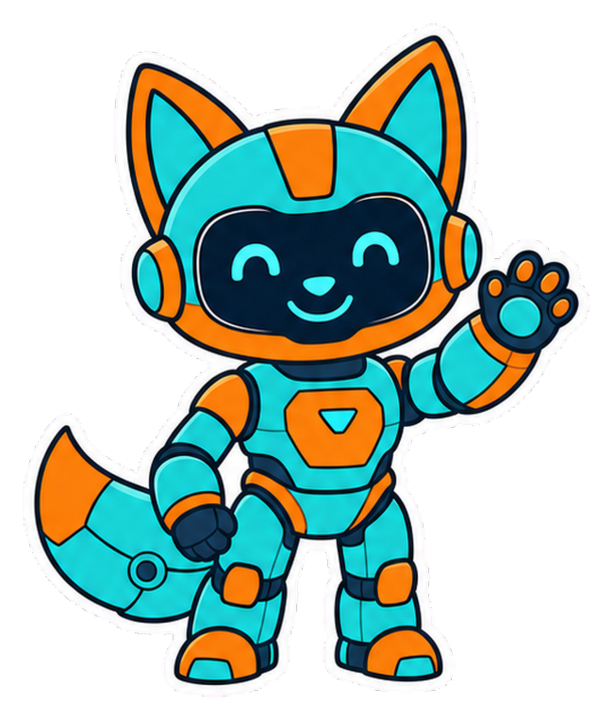
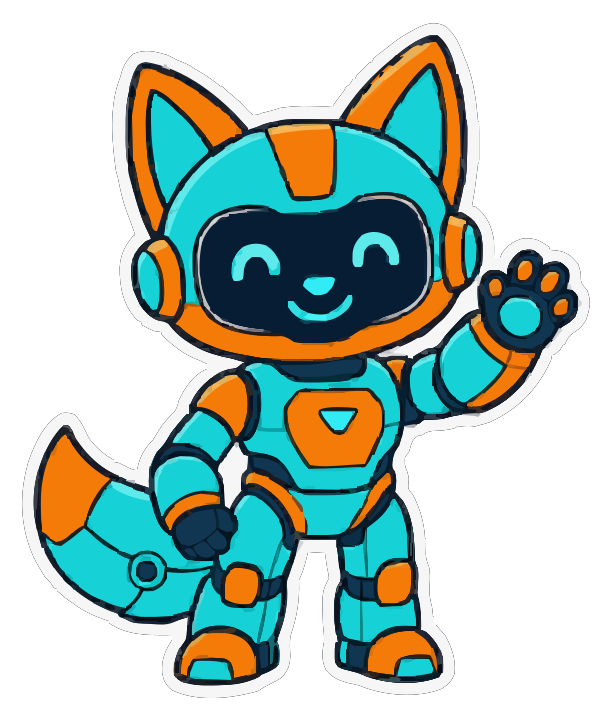
 A die-cut mascot lifted from a magenta chroma card: bold outlines, small details, and the white keyline survive.
 PNG SVG
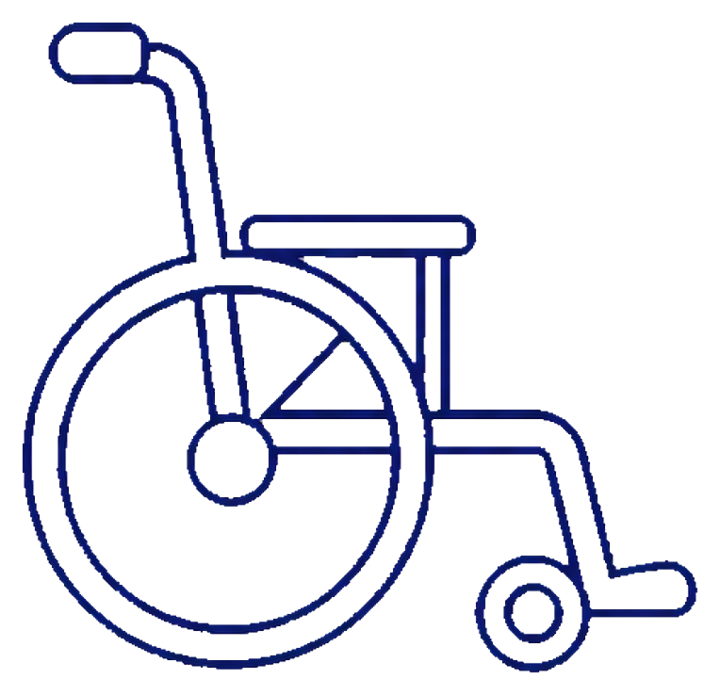
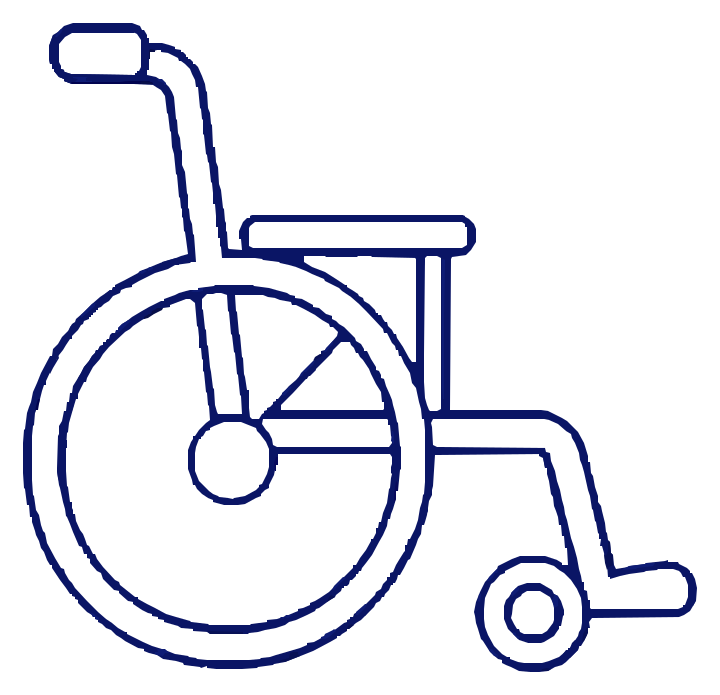
 Thin strokes and enclosed shapes after background removal.
Install and run
kurviq traces and authors with zero runtime dependencies. @tecsteps/kurviq-toolbelt
adds the renderer, so verification never becomes a dependency of conversion.
npm i kurviq
npx kurviq --input in.png --output out.svg --auto

# verification, kept in a separate package on purpose
npm i @tecsteps/kurviq-toolbeltconst fs = require('node:fs');
const { convert } = require('kurviq');
const { createScene, shapes } = require('kurviq/author');
const { evaluate } = require('@tecsteps/kurviq-toolbelt');
// trace
const traced = convert(fs.readFileSync('in.png'), { upscale: 2 });
// or author, with no raster at all
const scene = createScene({ width: 320, height: 180 });
scene.add(shapes.circle(160, 90, 64, { fill: '#22d3ee' }));
// then prove it: render, compare, check the target
const { report } = evaluate({ svg: scene.serialize(), width: 320 });Installs both packages, checks the install actually worked, and writes a local skill with the rules that are not guessable from the API.
Set Kurviq up in this workspace as a reusable skill.

1. INSTALL
   npm i kurviq
   npm i -D @tecsteps/kurviq-toolbelt        # rendering + verification; dev-only on purpose

2. VERIFY THE INSTALL - do not skip this, and do not proceed if it fails.
   node -e "
     const {convert} = require('kurviq');
     const a = require('kurviq/author');
     const v = require('kurviq/package.json').version;
     if (typeof convert !== 'function') throw new Error('kurviq root API missing');
     if (!a.createScene) throw new Error('kurviq/author missing - need >= 1.3.0, got ' + v);
     console.log('kurviq', v, 'ok');
   "
   If kurviq/author is missing, STOP and tell me the installed version.

3. WRITE A SKILL to .claude/skills/kurviq/SKILL.md covering:
   - tracing: convert() and npx kurviq --auto --explain, and that the printed
     flags reproduce the run byte-for-byte
   - authoring: kurviq/author, -paint, -stroke, -mask, -filter, -interactive,
     -animate
   - the rules that are NOT guessable from the API:
     * paint-server and mask units are mandatory; the SVG default differs per
       element and silently changes the result
     * filter regions are mandatory; the default clips blurs and shadows
     * an <img>-embedded SVG gets NO pointer events, so :hover is dead markup
       there - assertEmbedding() and inline the SVG instead
     * animate with the initial state only in the keyframes, fill-mode
       backwards, or a non-animating renderer paints a blank image
     * never score a background-removed SVG against its source raster
   - verification: evaluate({svg, referencePng?, states?}) and
     validateTarget(svg, profile)
   - measured resvg limits: custom properties render black, animation never
     executes, pathLength is ignored, mask-type:alpha falls back to luminance

4. CONFIRM by listing the file and printing the version you installed.
Without it, agents default paint-server units, omit filter regions, and put hover states in
an <img> where they can never fire. Ships as docs/AGENT-SKILL.md.